







Description
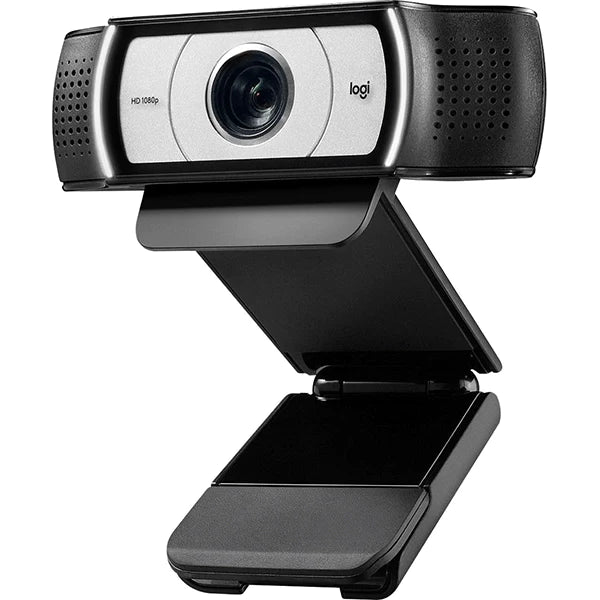
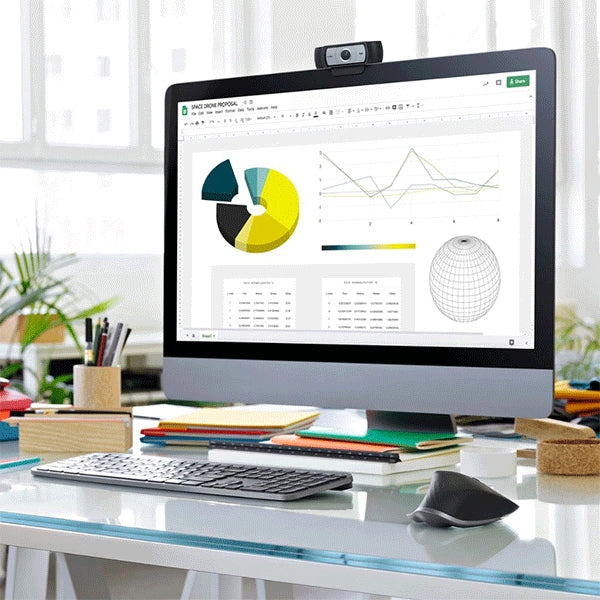
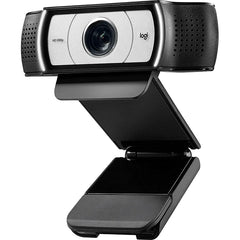
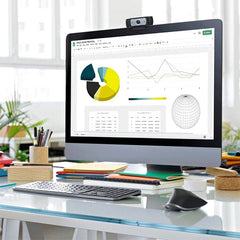
xElevate your video calls and online streams with the Logitech C930s Pro HD 1080 Webcam. This compact and easy-to-use webcam packs a punch when it comes to delivering clear, professional-looking video, making it a great choice for work, online learning, or staying connected with family and friends.
Design
- Sleek and compact: Measuring just 1.70 inches tall and 3.70 inches wide, the C930s easily fits on your laptop or monitor without taking up too much space.
- Adjustable stand: Tilt the camera up or down to find the perfect angle for your shot.
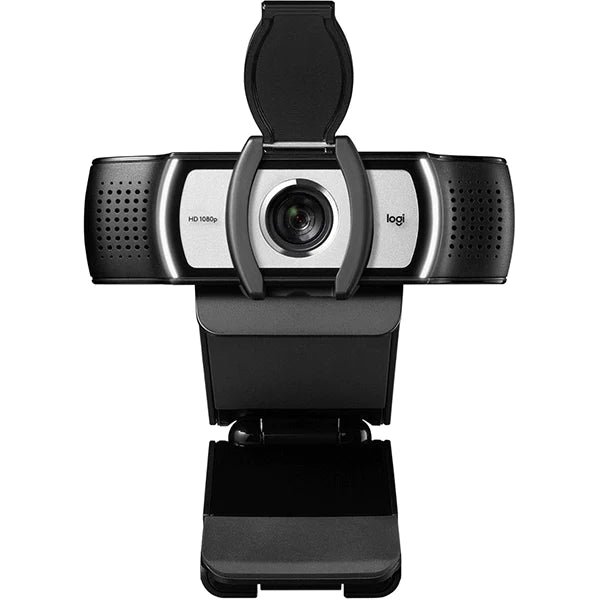
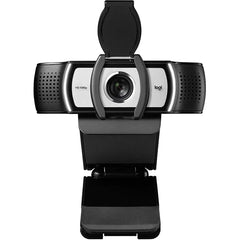
- Built-in privacy shutter: Feel secure and in control with the physical shutter that blocks the lens when you're not using the webcam.
Performance
- Sharp 1080p video: Look your best with crisp, clear video resolution at 1080p/30fps or 720p/60fps. The high-precision lens and autofocus ensure you're always in focus.
- Automatic light correction: Don't worry about lighting variations. RightLight 2 technology automatically adjusts the brightness and contrast to give you a balanced image, even in low-light conditions.
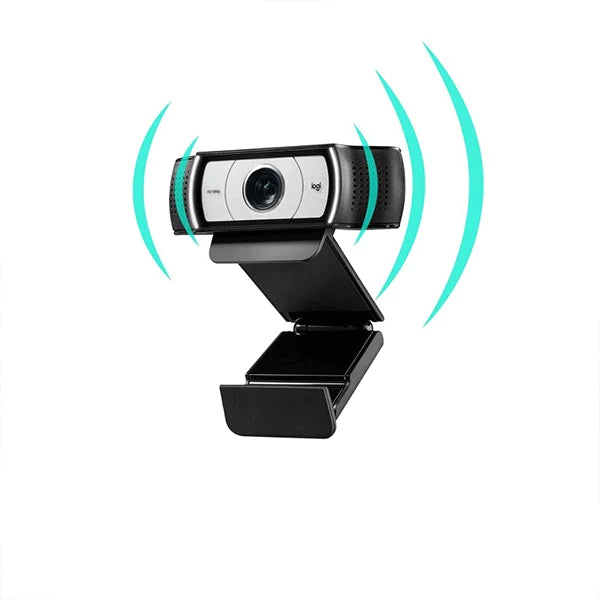
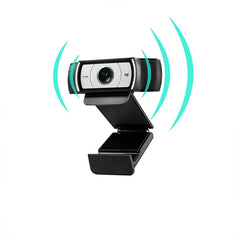
- Clear stereo audio: Dual microphones with noise cancellation capture your voice naturally and reduce background noise, so you're always heard loud and clear.
Specifications
- Resolution: 1080p (30fps), 720p (60fps)
- Lens: High-precision glass lens with autofocus
- Field of view: 90 degrees
- Microphones: Dual stereo with noise cancellation
- Connectivity: USB-A
- Cable length: 5 feet (1.5 meters)
- System requirements: Windows 7 or later, macOS 10.10 or later, Chrome OS, Android 5.0 or later
Features
- Plug-and-play: Simply connect the webcam to your computer and you're good to go. No drivers or software installation needed.
- Compatible with most video calling platforms: Works seamlessly with Zoom, Skype, Google Meet, Microsoft Teams, and other popular platforms.
- HD auto light correction: Automatically adjusts to lighting conditions for a balanced image.
- 4x digital zoom: Get closer to the action with the built-in digital zoom.
- Background replacement: Use Logitech Capture software to blur or replace your background for a more professional look.